
 Documentation-based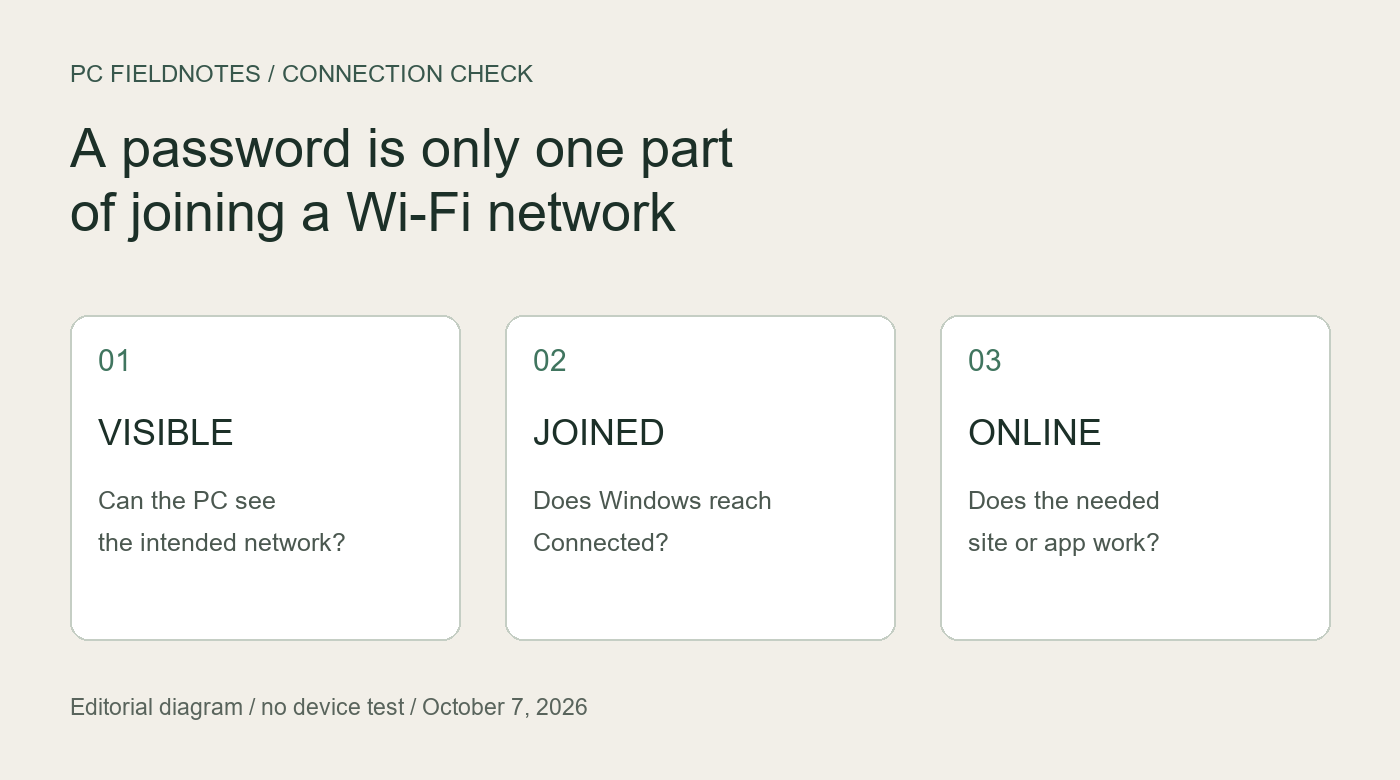
Microsoft and Intel documentation reviewed October 7, 2026 with AI assistance. No physical Wi-Fi authentication test was performed. Alex Reed is the established site pen name.
When Windows 11 shows “Can't connect to this network,” first establish whether it ever reaches Connected. If it does not, confirm the exact network name and current password, then investigate the saved profile and the PC/router security combination. Changing DNS is a different investigation: it does not explain why a PC never joins the Wi-Fi network.
This guide covers a visible personal Wi-Fi network that rejects a connection attempt. It is based on official documentation reviewed October 7, 2026. We did not reproduce the error on a physical Windows 11 PC. A virtual machine cannot validate Wi-Fi authentication against your router.
Give “correct password” a precise meaning
A phone that connected last week does not confirm the password currently being entered on the PC. It may still be using a saved connection. Confirm the current network name and credentials with the network owner; a guest network and the main network can have different credentials. Keep the password out of screenshots and support reports.
Microsoft's connection guide describes selecting the intended network, choosing Connect, and entering its password. Use that ordinary connection path for one recorded attempt. Note the time and exact message. Do not rename the router, replace its password, and reinstall the driver during the same attempt.
For work, school, or a network that asks for an identity or certificate rather than just a personal network password, stop here and contact its administrator. A personal Wi-Fi checklist cannot establish whether an organizational certificate or policy is valid.
If the network is visible but the attempt is rejected
Before removing anything, make sure you can obtain the current password and restore the connection. Microsoft documents a targeted Forget operation under Settings > Network & internet > Wi-Fi > Manage known networks in its Wi-Fi troubleshooting guide. Remove only the affected personal network, select it again, and enter its credentials.
Forgetting removes that saved profile; it is not a reset of every network adapter. If the new attempt succeeds, record that the outcome changed after replacing the profile. That observation does not prove which saved setting was responsible. If the same error remains, stop repeating Forget and move to a comparison.
Microsoft also recommends trying the same network on another device. For a useful comparison, record a new connection attempt, not merely that another device has internet access. Keep the network and location the same. Interpret the result cautiously:
- Another device joins; this PC does not: focus the next investigation on the PC and its compatibility with this network. The router has accepted at least one client, but that does not clear every router setting.
- Neither device joins: recheck credentials and the router's actual network configuration with its owner. Two failures do not establish a Windows driver fault.
- This PC joins a separate trusted network: its adapter can connect in that separate setup. Different security modes and bands mean this result does not prove compatibility with the failing network.
These are suggested comparisons, not measurements from our own equipment. If you use a phone hotspot, obtain the owner's agreement and account for mobile data charges. Record its configuration rather than treating every hotspot as equivalent.
A password can be valid while security support remains unresolved
Ask the router owner which security mode the affected network uses. Then identify the PC's complete Wi-Fi adapter model and installed driver. Check the PC manufacturer's support documentation for that combination before changing the router's security.
For Intel adapters, Intel's WPA3 support article lists supported products and software requirements. Its requirements distinguish WPA3-Personal, Enterprise, and H2E. A statement that a card supports “WPA3” is not enough to identify every required combination. This source applies to its listed Intel products, not every wireless adapter.
Use the current driver offered for the exact PC by its manufacturer when investigating software support. Old version numbers in a compatibility document are minimums, not a recommendation to install an old package. Do not disable encryption or switch to an open network as a password experiment. If compatibility remains unclear, give the manufacturer the adapter, driver, Windows build, and router security mode.
Capture the failed attempt before a broad reset
After another recorded failure, Microsoft's wireless report documentation provides this command, run in an administrator Command Prompt:
netsh wlan show wlanreportOpen the HTML path returned by the command. The report covers the last three days of Wi-Fi events, grouped into sessions. Find the session near the time you recorded and read its events and failure information. An event is evidence about that attempt; a generic error message is not a diagnosis of broken hardware.
For help interpreting the sections, use our wireless report reading guide. The report can include computer and user details, network names, addresses, and certificates. Share only the relevant redacted excerpt through an appropriate support channel, not the complete report on a public forum.
Keep a compact note: attempt time, exact message, PC model, Windows build, adapter and driver, router model, security mode, whether the profile was replaced, and the two-device comparison. Mark missing information as unknown. That record is more useful than an untracked list of resets.
If Windows now says Connected, change the question
Once the PC joins Wi-Fi, test the website or application you actually need. A successful join and usable internet access are separate results. If it connects but an application fails, investigate that new symptom instead of repeatedly deleting the profile.
If websites work while Windows reports no internet, use the connection-status guide. If every Wi-Fi network is missing, use the empty network-list guide. A broader network reset has recovery costs; preserve configurations and an offline driver source before considering it.
Review this guide when Microsoft changes the documented connection workflow or a vendor changes the relevant security requirements. It does not claim a universal repair or identify the cause on an untested PC.
