
 Documentation-based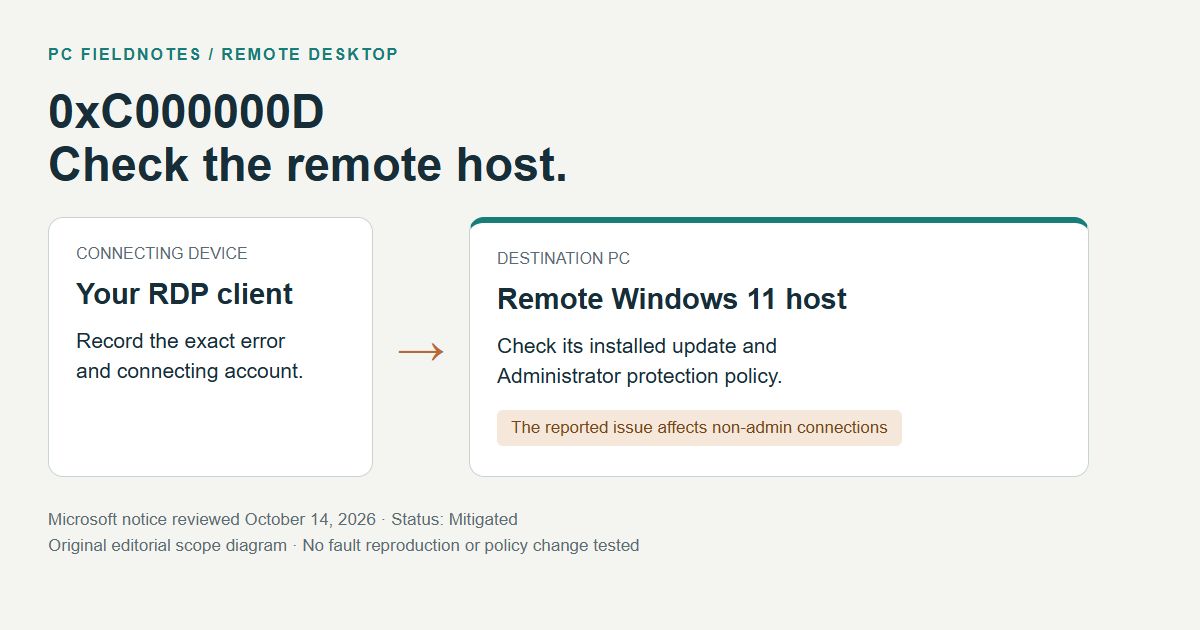
Microsoft Release Health, KB5124010 and supporting Windows documentation reviewed October 14, 2026 with AI assistance. This is a documentation-based guide, without a reproduced RDP failure. Alex Reed is an established pen name.
If a non-admin account cannot connect to a Windows 11 PC through Remote Desktop and receives 0xC000000D, ask the owner of the remote PC to check whether Administrator protection is enabled. Microsoft confirmed a connection problem involving that combination on October 13, 2026. The error code alone does not establish that your connection has the same cause.
The reported message is "The token that was passed to the function is invalid." On October 14, Microsoft's status remained Mitigated, with a future Windows update planned to address the issue. Its notice includes Windows 11 24H2, 25H2, 26H1 and 26H2, primarily on enterprise-managed hosts. Microsoft: current issue status
Match the conditions on the remote PC
The host is the PC you are trying to reach. The client is the device from which you start the connection. Keep their update and policy records separate when checking these conditions:
| Check | What fits the reported issue |
|---|---|
| Account used for the connection | A non-admin user is trying to sign in through Remote Desktop. |
| Host configuration | Administrator protection is enabled on the remote Windows 11 device. |
| Update history | The host has the September 2026 preview update or a later update. KB5124010 documents the issue for the 24H2, 25H2 and 26H2 servicing branch. |
| Failure | The connection reports 0xC000000D and may show the invalid-token message above. |
Microsoft's KB5124010 known-issue section confirms this scope. A failed connection after an update is a reason to check these facts, not enough evidence to remove the update. If the host's policy state is unknown, leave it recorded as unknown and ask IT to verify it.
Why the host's policy matters
Administrator protection changes how administrative work receives elevated rights. Microsoft describes a system that keeps the user deprivileged during ordinary activity and creates a separate, temporary admin token for an approved elevated task. It is a security feature, so changing it deserves an administrator's review.
The feature is generally off by default, but an organization's security baseline or policy can enable it. Microsoft's documentation specifically notes default enablement through the Windows 11 24H2, 25H2 and 26H2 security baselines with the October 2026 security update. Do not infer the effective setting from an edition name or from whether a user remembers turning it on. Microsoft: Administrator protection
Network Level Authentication, or NLA, is a separate Remote Desktop control that authenticates users before establishing a session. Microsoft's general Remote Desktop guidance recommends keeping it enabled where supported. Disabling NLA is not the mitigation described for this specific notice. Microsoft: Remote Desktop prerequisites and NLA
Collect a support record before changing settings
If you cannot access the host, the person managing it can collect its details locally or through their existing management tools. On the host, Settings > System > About identifies the Windows edition and version. Record the OS build shown under Windows specifications as well. Microsoft: find device information
Use Settings > Windows Update > Update history to record the installed update and date. Keep the client version in a separate field. Microsoft documents this history view for checking which updates were installed and when. Microsoft: Windows Update FAQ
This is a proposed incident template, not a captured test result:
Failure time and time zone:
Exact error code and message:
Remote host: Windows edition, version, OS build:
Host's recent update KB and installation date:
Administrator protection effective state and policy owner:
Connecting account: non-admin or admin:
Client device and Remote Desktop client version:
Connection path: local network, approved VPN or gateway:
Was this same account previously able to connect?:
Any comparison already made by IT, and its result:
Send the record through the organization's normal support channel. Omit passwords and recovery keys; redact account names, host addresses and internal domain details from any public post. An administrator can then compare the affected account with another account already authorized to use that host. The comparison should preserve the same destination and connection path. Changing several conditions at once makes the result harder to interpret.
The temporary option belongs to the administrator
Microsoft's current mitigation lets IT temporarily turn off Administrator protection on an affected host through its existing policy-management method. The notice names the User Account Control Type Of Admin Approval Mode policy in Intune or Group Policy. Use Microsoft's linked policy documentation for the deployment method in use. Microsoft: mitigation and current status
This reduces the protection provided by that feature. The administrator should record the previous configuration, assess the security tradeoff, limit the affected scope and decide how it will be restored when the issue is resolved. Making the connecting user a local administrator would expand that person's privileges and is not this documented mitigation.
For a useful retest, use the original non-admin account, client and destination after the administrator confirms the intended policy state. Record whether the session opens and whether the original error returns. A successful connection using a different administrator account would not verify recovery for the affected user. Keep the change and its result together in the support record.
When the conditions do not match
Return to the ordinary Remote Desktop prerequisites if Administrator protection is off, the account or error differs, or the problem began before the relevant update. The host must be reachable, powered on, configured for Remote Desktop and allow that account to connect. Windows Home can be a client but cannot act as the built-in Remote Desktop host. Have its owner check the intended access policy. Microsoft: supported hosts and connection requirements
If ordinary browsing also fails over both adapters, start with the Wi-Fi and Ethernet connectivity checks. If a destination works by address but fails by name, the name-resolution guide covers that separate comparison. A network reset is broad and can affect VPN or virtual networking; review what a reset removes before considering it for a wider connectivity problem.
Evidence and review date
Reviewed October 14, 2026 against the linked Microsoft documentation. This guide supplies a scope check and a support-record format. PC Fieldnotes did not reproduce the managed-host failure or test a policy change. The cover is an editorial diagram, not a Windows screenshot. Recheck Microsoft's issue status before applying a temporary mitigation; the next published fix may change the appropriate action.
